One timeline to coordinate every event moment
Organize times, tasks, and vendors in a shared schedule. If the event runs late or early, update the timeline so each team can check the current version.
EVENT SCHEDULE
Wedding day
18:00
Guest reception
Coordinator
18:30
Ceremony
Photo & video
20:00
First dance
DJ · Lighting
21:00
Dinner
Catering
A vendor-specific alert is ready before the next cue.
A shared schedule helps each team prepare for its next moment.
The coordination behind every great moment
A clear reference for the planning team and vendors throughout the celebration.

One central schedule
Bring times, notes, and instructions together in the event timeline.

Keep each vendor informed
Share individual access and alerts related to each team's work.
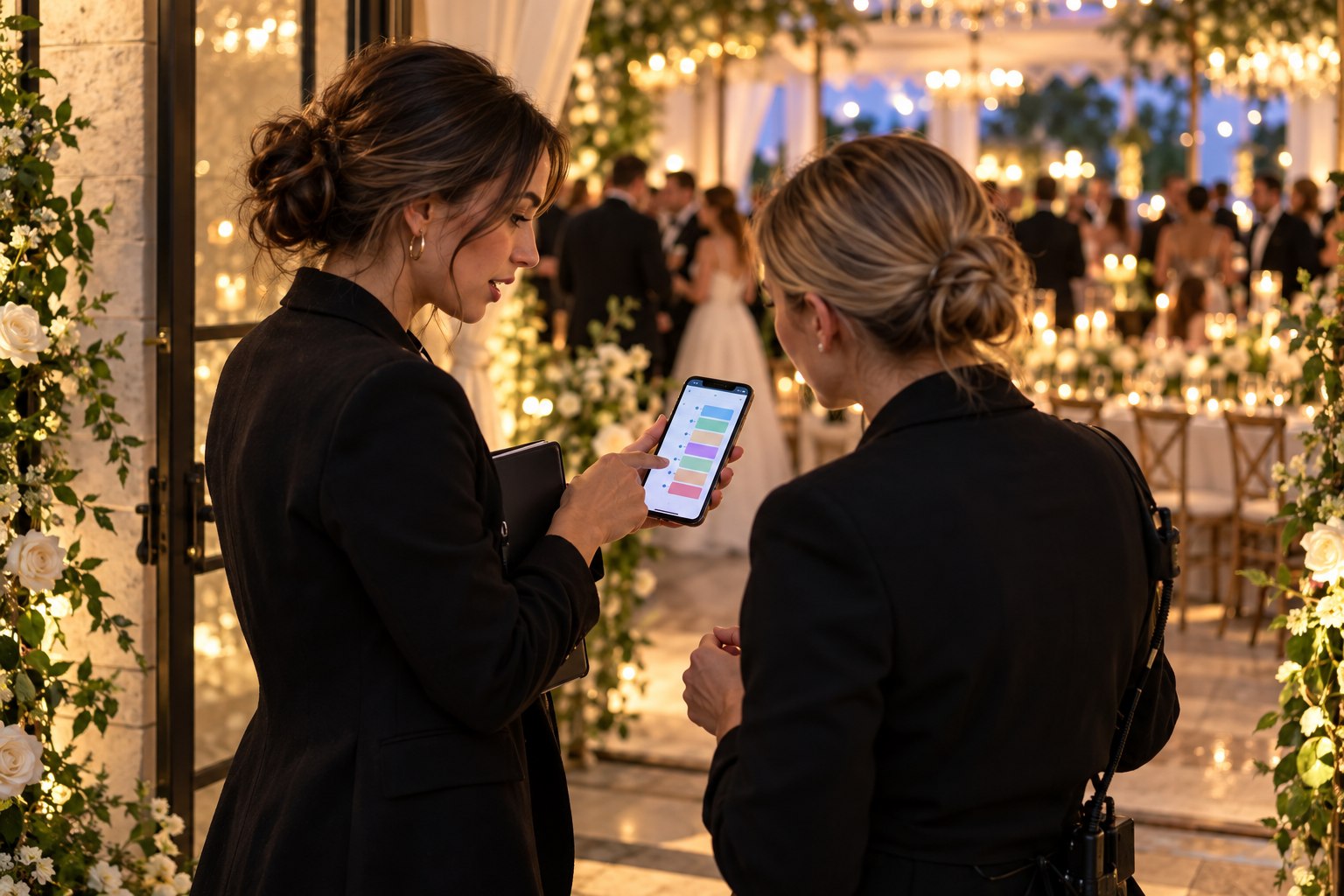
Flexibility in real time
Adjust times during the event and sync the updated schedule.
Keep the whole team in step with the event
Schedule blocks
Set a start, end, order, and notes for each moment. Start from a wedding, birthday, or corporate event template and adapt it to your plan.
Advance alerts
Choose which vendor receives each instruction and how far in advance, such as preparing the lights before the first dance.
Delays and early starts
When the celebration changes pace, record the time adjustment to update the timeline's effective times.
Track each moment
Depending on the permissions you set, vendors can confirm alerts and mark schedule blocks complete from their access.
A link for each need
A public view to check and private access for vendors
Share a read-only public view with the couple, family, or team. Each vendor can have their own private link to check the schedule and assigned instructions.
Public access can be disabled when it is no longer needed.
Vendor links can be regenerated or revoked.
Export the schedule as a PDF reference.
One schedule, the right view for each person
Public schedule · read only
Private vendor link · assigned alerts
Organizer view · manage and adjust
How to organize your event timeline
01
Choose a template
Start with a structure for a wedding, birthday, or corporate event.
02
Arrange the moments
Add times, duration, notes, and instructions for each block.
03
Add vendors and alerts
Assign roles, share access, and prepare alerts with the right lead time.
04
Share and update
Distribute the relevant links and adjust the schedule if the event changes.
A timeline that adapts to different events
Digital wedding timeline: coordinated vendors and schedules
A wedding timeline brings the ceremony, reception, photos, dinner, first dance, and other important moments into one schedule. With VeamosLasFotos digital event timing, the coordination team can share times and instructions with vendors through individual links, while the couple or family checks a read-only public view.
When the agenda changes during the celebration, the organizer can record a delay or earlier start and keep the timeline synchronized. You can also assign advance alerts to each vendor and export the schedule as a PDF. The DJ, photographer, catering team, and coordinator then have a shared reference to prepare each moment of the wedding or event.